Apply for the Community plan
Check whether your association qualifies for the free Community plan, then send the application with the documents that prove it.
Who: an organization admin. Path: Organization context › Sidebar › Billing › Overview.
The Community plan is free for associations of any size whose buildings were all built before 1991. It has no unit limit, and its storage is set when the application is approved. See Billing plans for what it includes.
Steps
-
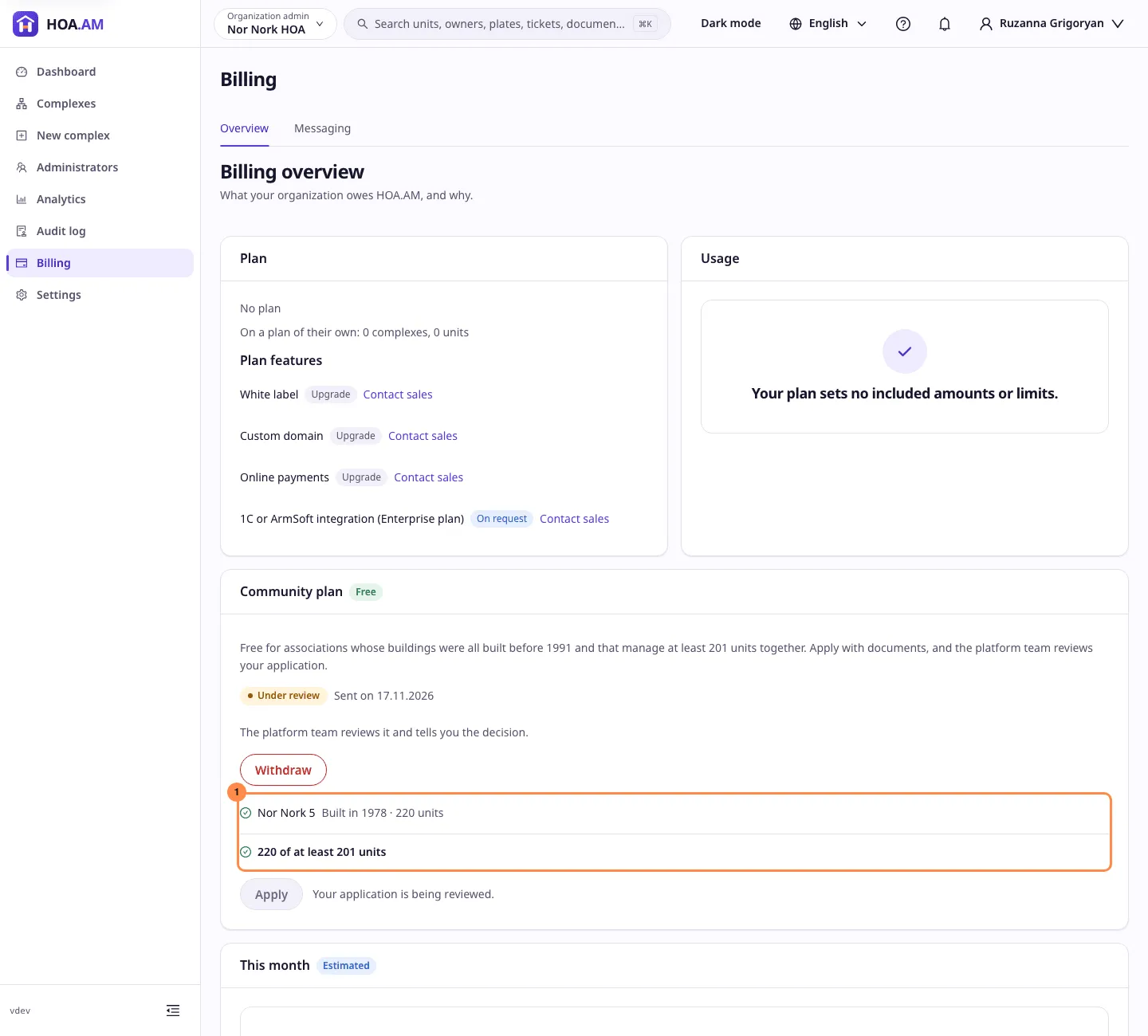
Open Billing. The Community plan card below your plan lists each active complex with its year built and units. A green mark means the point is met.
-
If a complex has no year built, or a year from 1991 on, select Set the year built or Check the year built beside it. It opens the complex’s profile at the field; correct it there and come back.
-
Once every point is met, select Apply.
-
In Apply for the Community plan, add a Note for the reviewer if you like, and attach up to five Documents: photos or PDFs, such as a technical passport or a cadastral extract, that show when the buildings were built.
-
Select Send application. The card shows it as Under review.
What happens next
The platform team compares your application with the organization as it stands and approves or rejects it. You are notified either way.
- Approved: the organization moves to the Community plan from that day, and the plan card says it was granted by your approved application, with its storage. Your other plan assignments end.
- Rejected: the card shows the reason. Fix what it names and apply again.
While it waits, the admin who sent it can select Withdraw and confirm. Its documents are deleted, and you can apply again later. Only one application can wait at a time.
The plan stays as long as nothing changes it. If the organization later adds a building built after 1990, you and the platform team are told, and the platform team may move it to another plan.