Review and issue platform invoices
Check last month's draft invoices, issue them to the organizations and record the payments that come in.
Who: the Global Admin. Path: Platform context › Sidebar › Billing › Invoices.
Steps
-
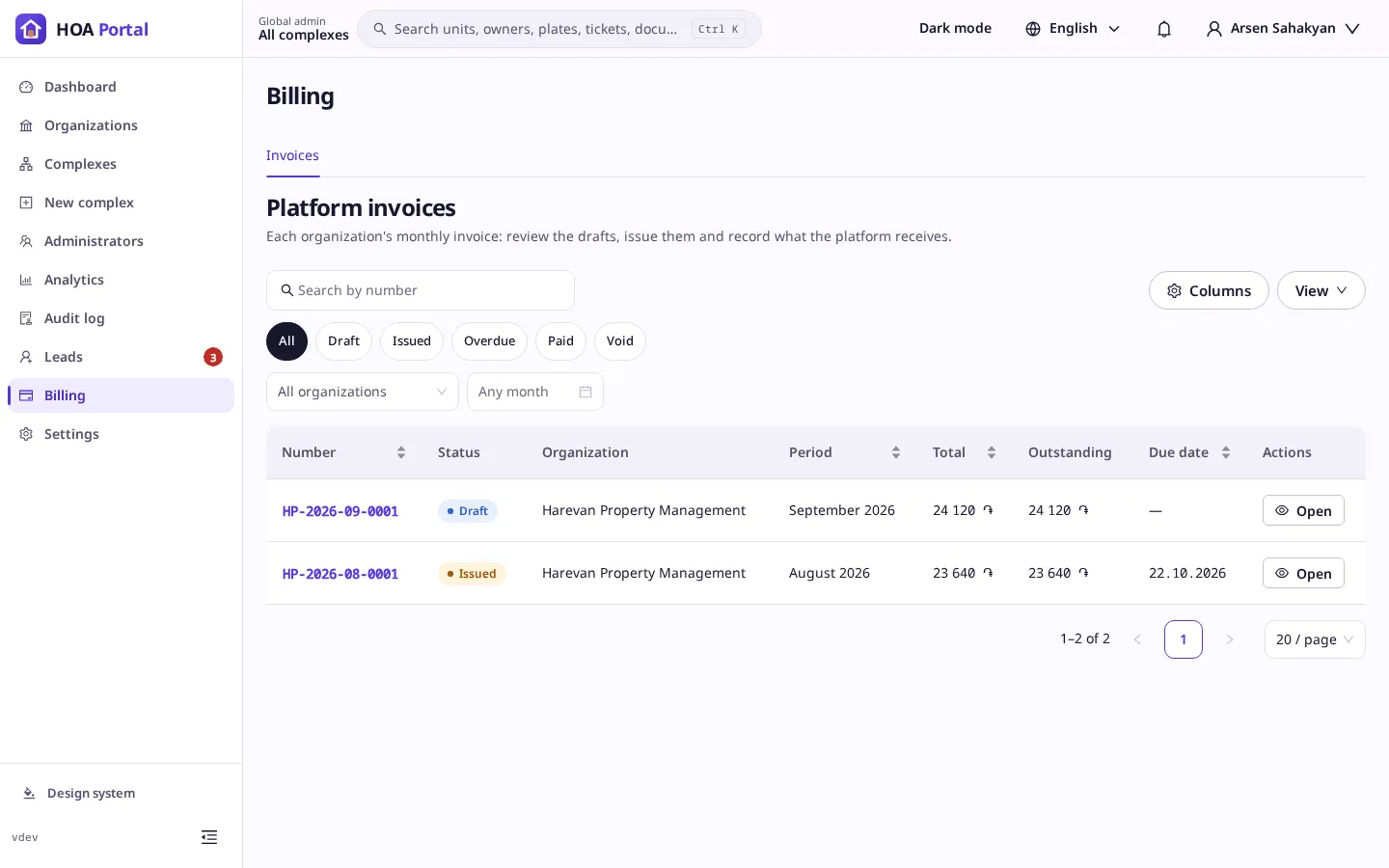
Open Billing. The Invoices tab lists every organization’s invoices, the latest month first. Filter by Draft to see the ones waiting for you.
-
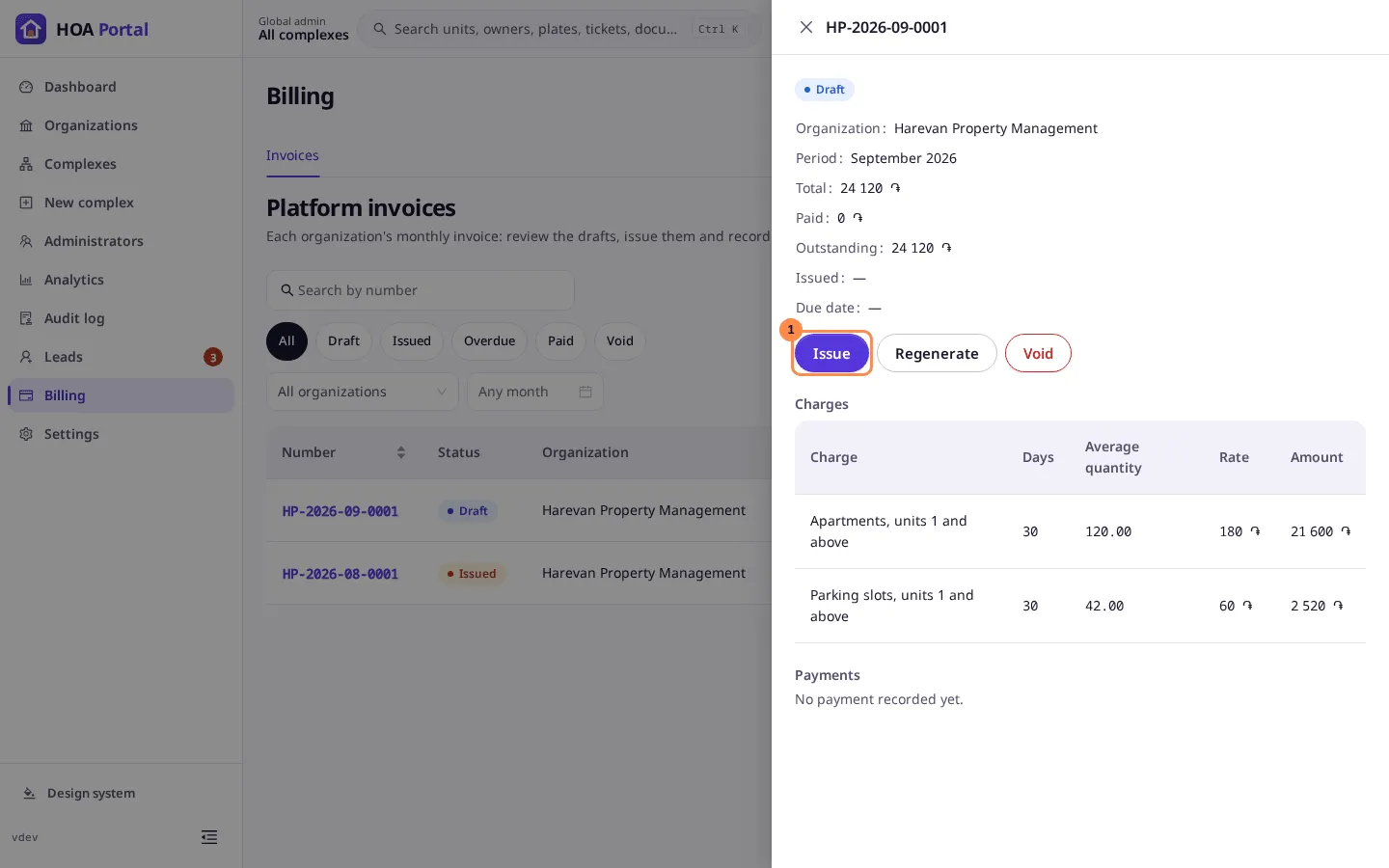
Select an invoice number to open it on the right: the totals, each charge with its days, quantity and rate, and the payments.
-
If the usage changed after the draft was made, select Regenerate to compute it again.
-
Select Issue and confirm. The invoice gets its due date and PDF, and the organization’s administrators are notified.
-
When the organization pays by bank transfer or cash, open the invoice, select Record payment, enter the amount and the day it was paid, and save. Once the payments reach the total, the invoice is Paid.
-
To cancel an invoice, select Void and give the reason.
See Platform invoices for how a month is billed.