Manage your sessions
Sign out of this device, or sign out of every device at once by setting a new password.
Who: everyone. Path: User menu › Sign out, or Sign-in page › Forgot password?.
Sign out of this device
- Open the user menu at the top right; it shows your name.
- Select Sign out.
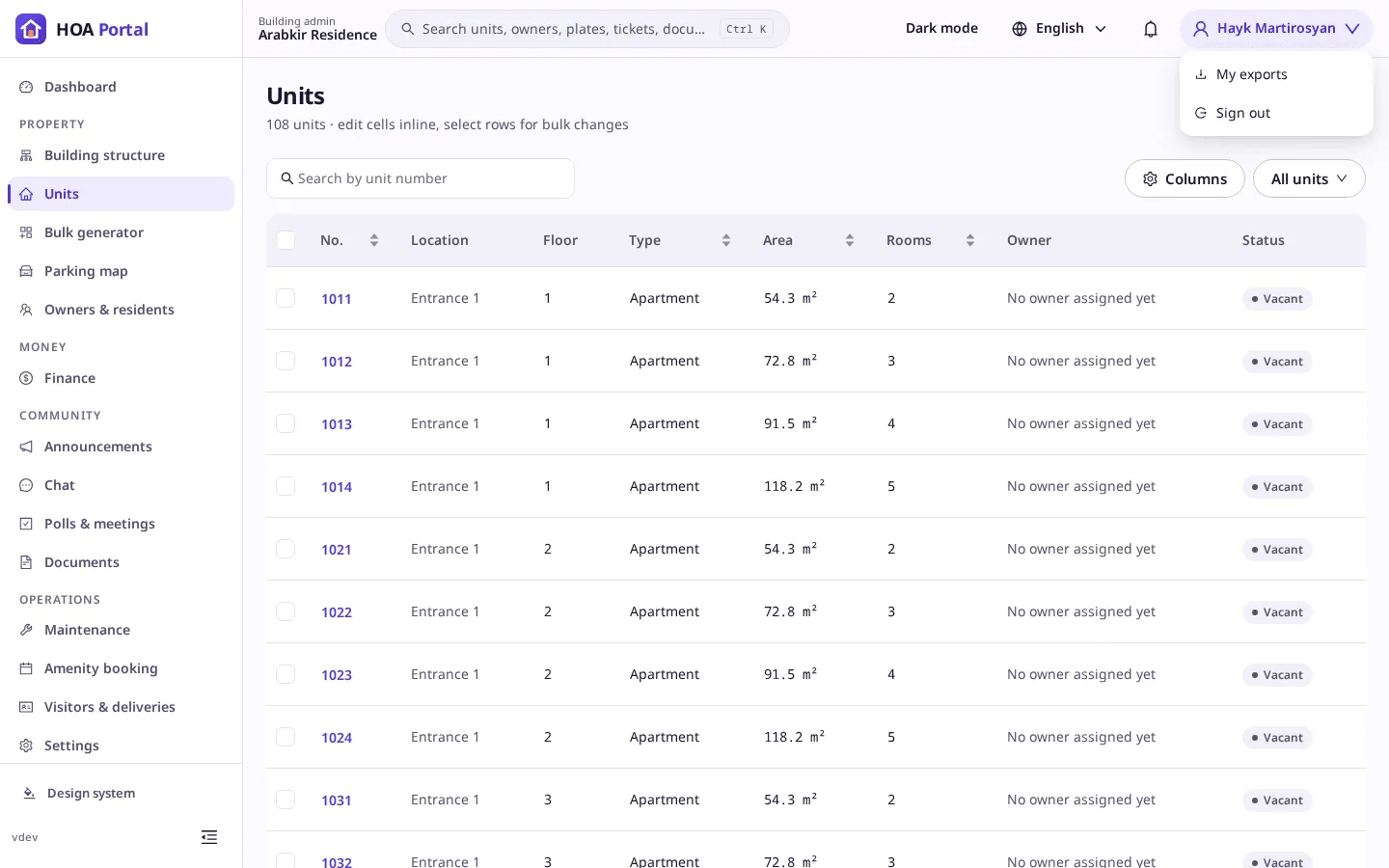
This device’s session ends and the sign-in page opens. Your other devices stay signed in.
Sign out everywhere
-
Sign out, then select Forgot password? on the sign-in page, or open the page directly.
-
Enter your email and select Send reset link.
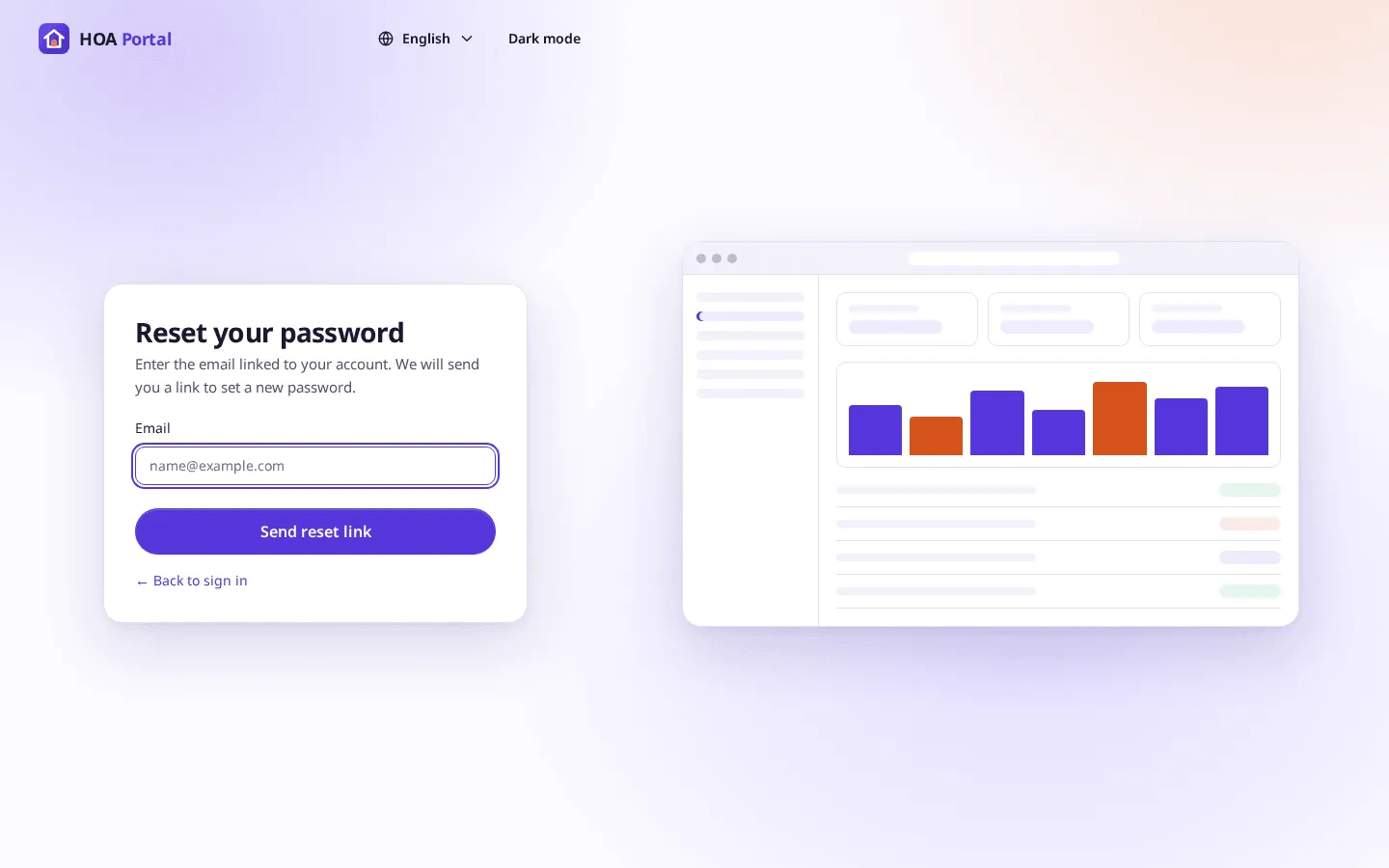
-
Open the link from the email within 30 minutes and set a new password.
Saving the new password ends every session of your account on every device, including this one. Sign in again with the new password.
Coming later
A list of your signed-in devices, with a way to end any one of them, is planned. See Sessions and signing out.