Accept an invitation
From the invitation email to your first sign-in, with a new account or the one you already have.
Who: anyone invited to the portal. Path: Invitation email › Invitation page.
Steps
-
Open the link in the invitation email or SMS, or scan its QR code. The page shows You are invited to the complex, who invited you and the role.
-
If you are new to the portal, fill in your Full name, Create password (at least 8 characters, with a number) and pick your Preferred language. Then select Accept and continue (1).
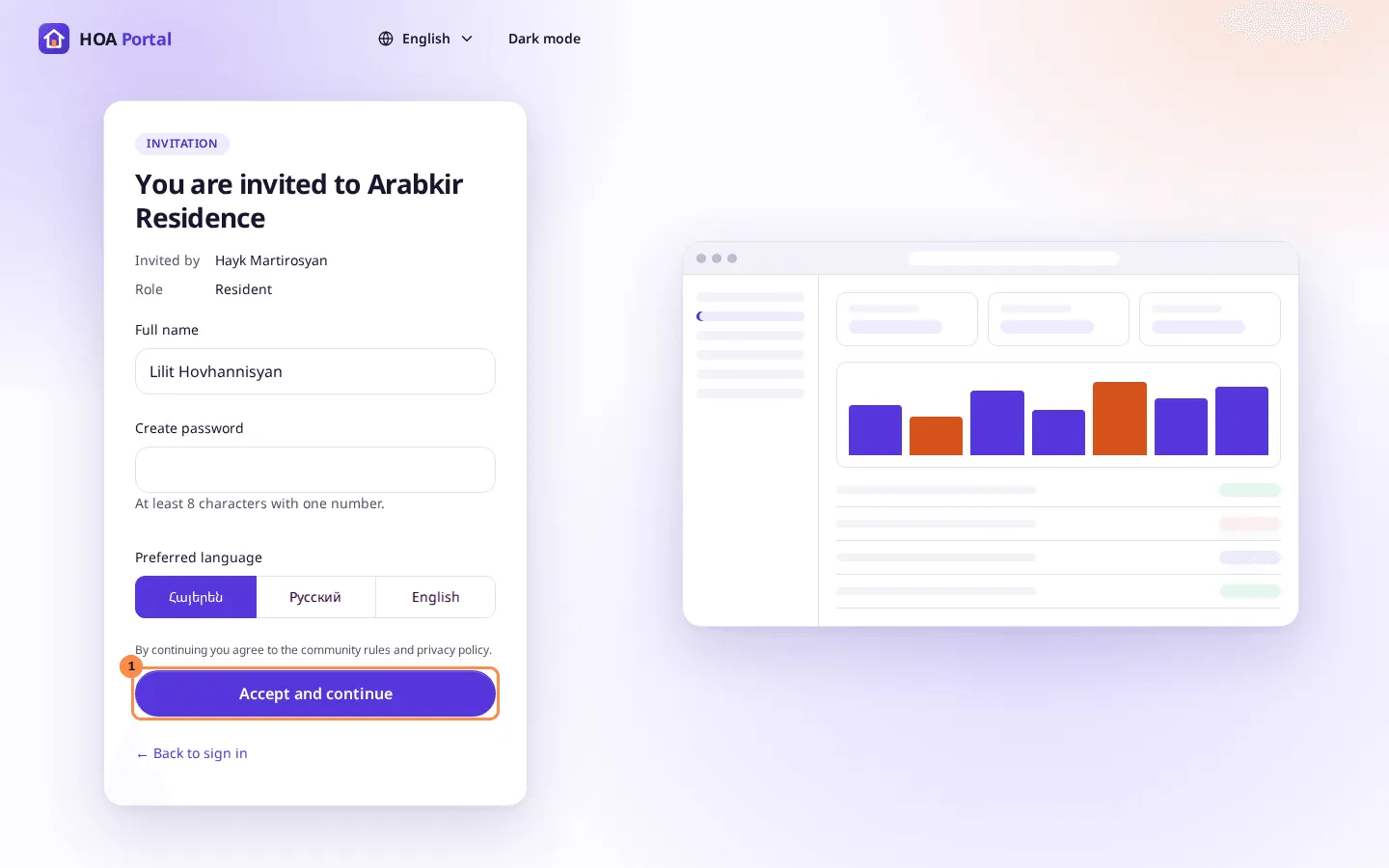
If your invitation has no email, because it came by SMS or as a QR code, the page also asks for your Email: the address you will sign in with.
If you already have an account, the page asks you to sign in instead: select Sign in to accept, sign in, and select Accept invitation.
-
The portal opens with your new role, and you are signed in.
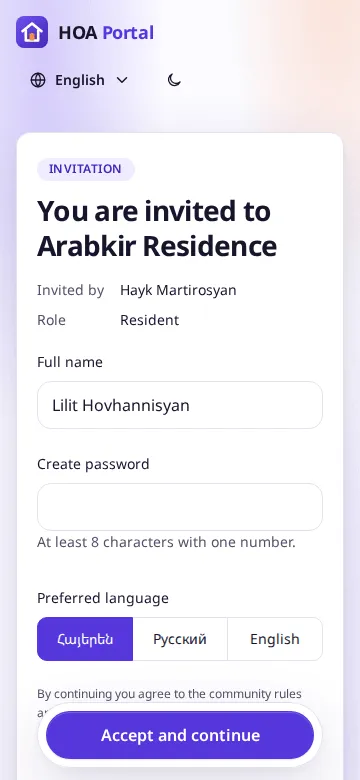
On a phone the same page fits the screen, and the button stays at the bottom:
Result
The invitation is used and cannot be opened again. The new role shows in the context switcher. If the page says the invitation has expired, was withdrawn or was sent to another email address, see Troubleshooting: invitations.