Assign and invite administrators
Give people the running of complexes and organizations: invite them by email, add complexes, and revoke access.
Who: the Global Admin; an Org Admin for their organization’s complexes. Path: Sidebar › Administrators › Invite admin.
Invite a complex administrator
-
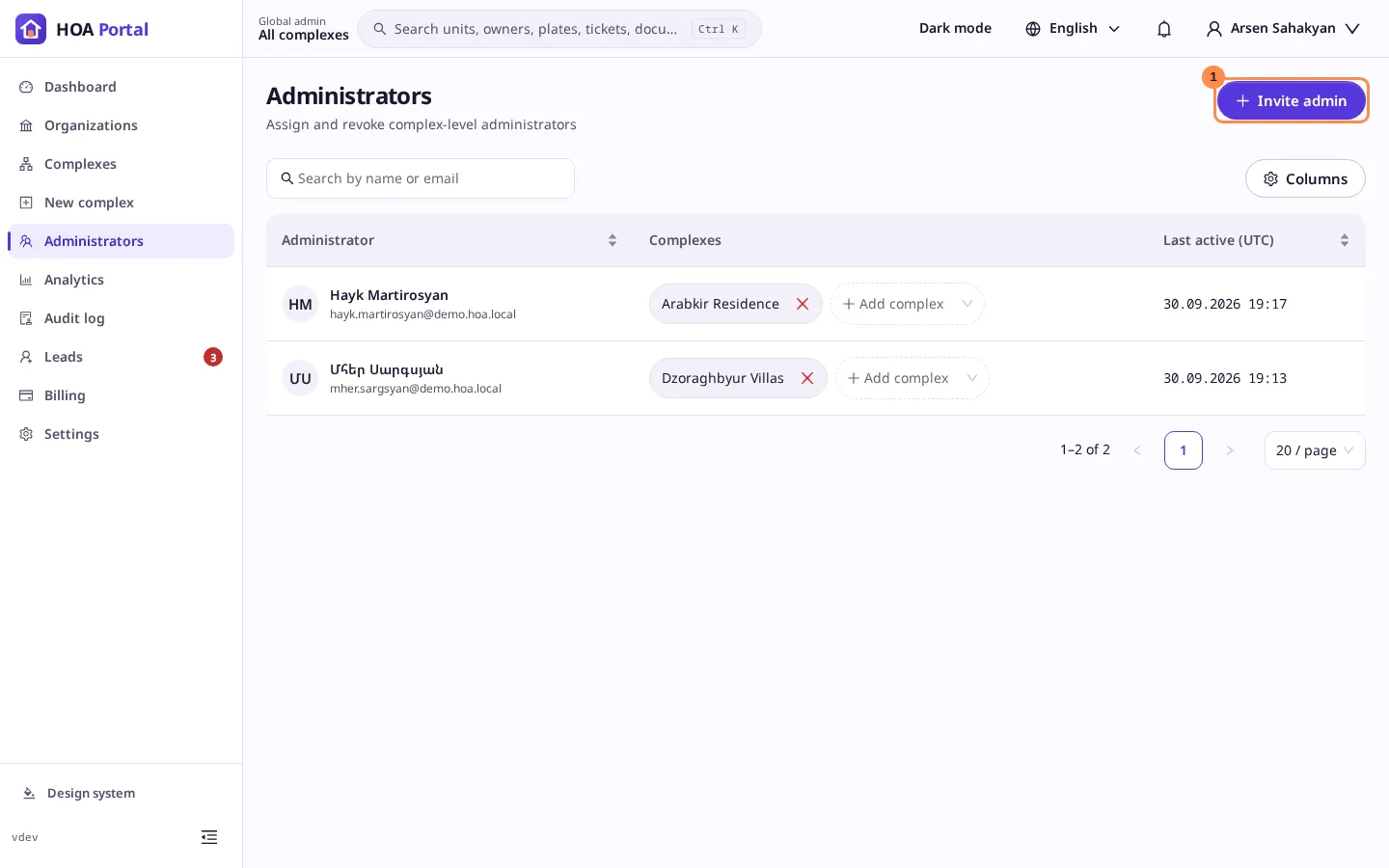
Open Administrators and select Invite admin (1). The list shows every complex admin with the complexes they run.
-
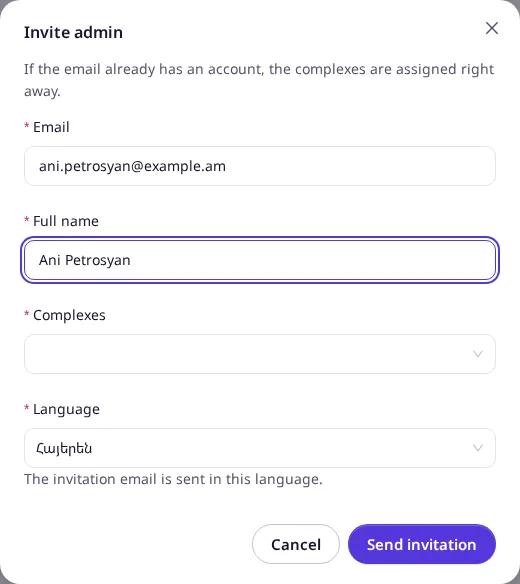
Enter the Email and Full name, choose one or more Complexes and the Language of the invitation email.
-
Select Send invitation.
What happens next depends on who you are:
- Global Admin, and the email already has an account: the person runs the chosen complexes at once. The toast says … can now manage …, and no email is sent.
- Otherwise, or from an Org Admin: an invitation email goes out, valid for 14 days. The toast says Invitation sent. When the person accepts it, they appear in the list.
Give an admin another complex, or take one away
- Add complex on an admin’s row gives them one more active complex, straight away.
- × on a complex chip revokes access to that complex after a confirmation: They will immediately lose access to this complex.
Appoint an organization admin (Global Admin)
-
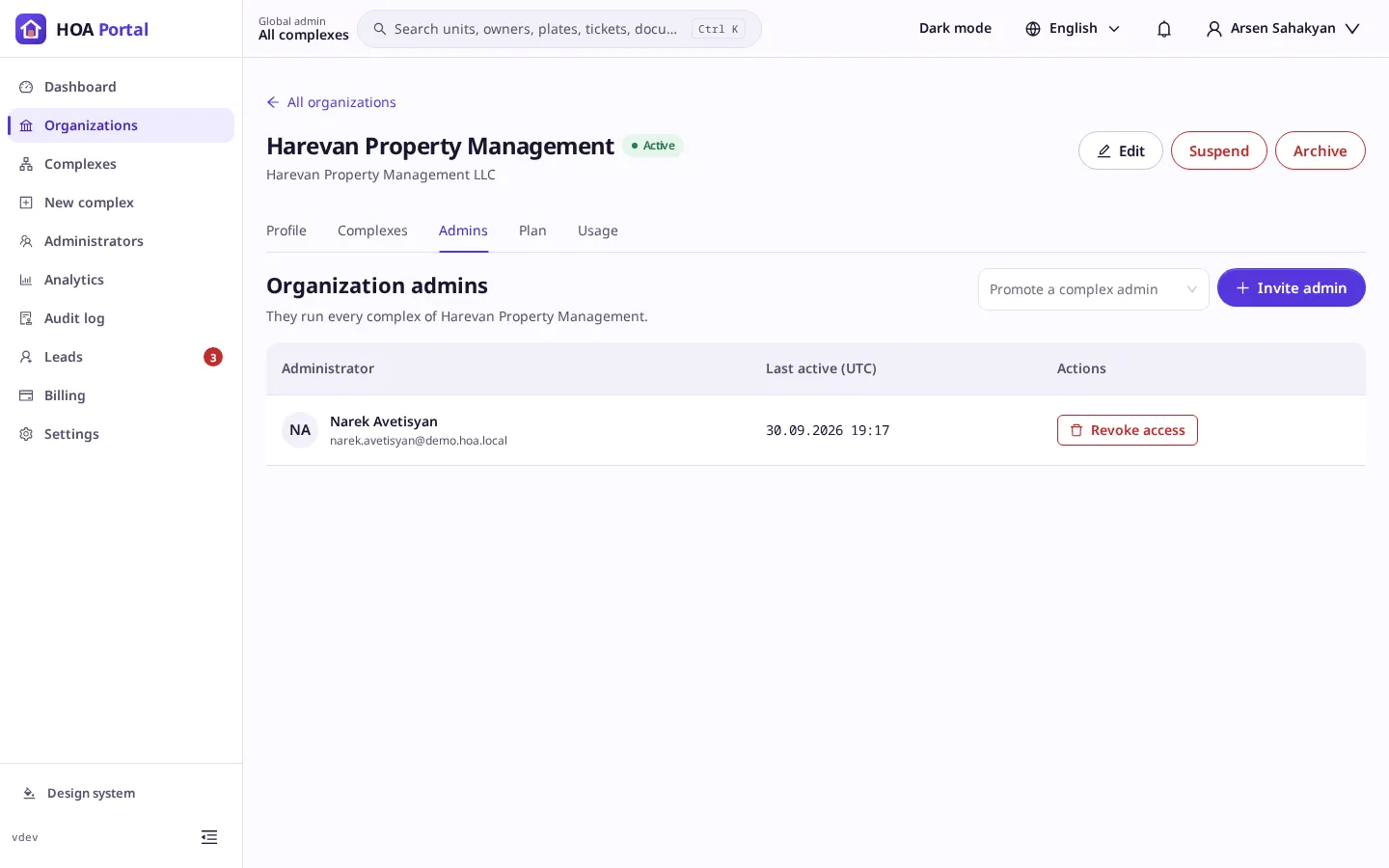
Open Organizations, then the organization, and its Admins tab.
-
Either Promote a complex admin of the organization, or Invite admin with an email, a full name and a language. An active account with that email becomes an organization admin at once.
Result
Every assignment, invitation and revocation is written to the audit log. See Administrators for the rules.