For management companies
Many associations, one account
Your organization holds every complex you manage. Your team switches between them without juggling logins, and each person sees only what their role allows.
Run the whole portfolio
All your complexes side by side
Coming soonBuildings and districts under one organization, with collection and debt compared across them.
Onboard a new complex quickly
Coming soonA six-step wizard with unit generators and an Excel import takes a complex from signed contract to invoices.
Portfolio dashboards
Coming soonCollection rate, debt aging, occupancy and ticket SLA for every complex, compared over 3, 6 and 12 months.
Give your team the right access
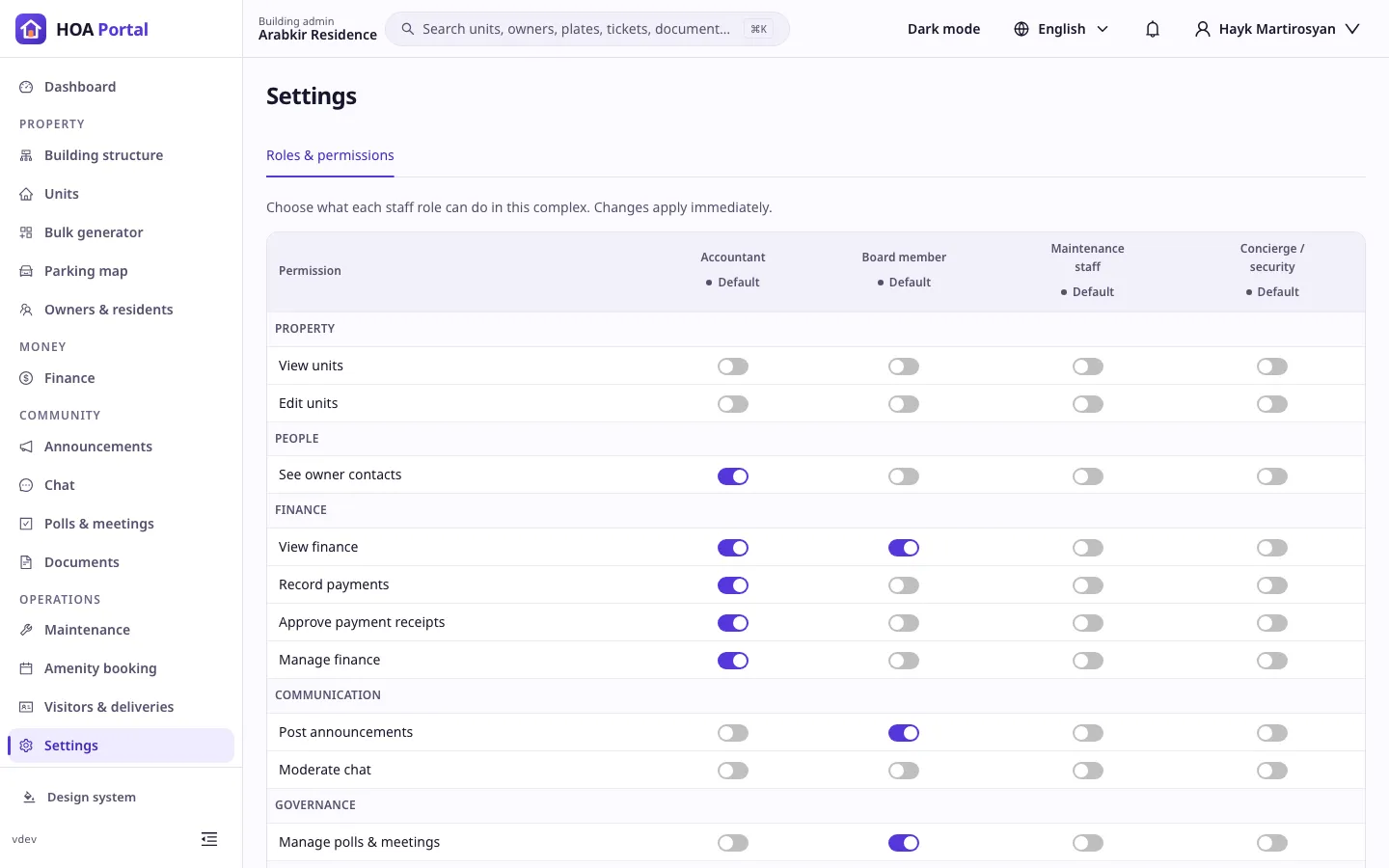
Roles per complex
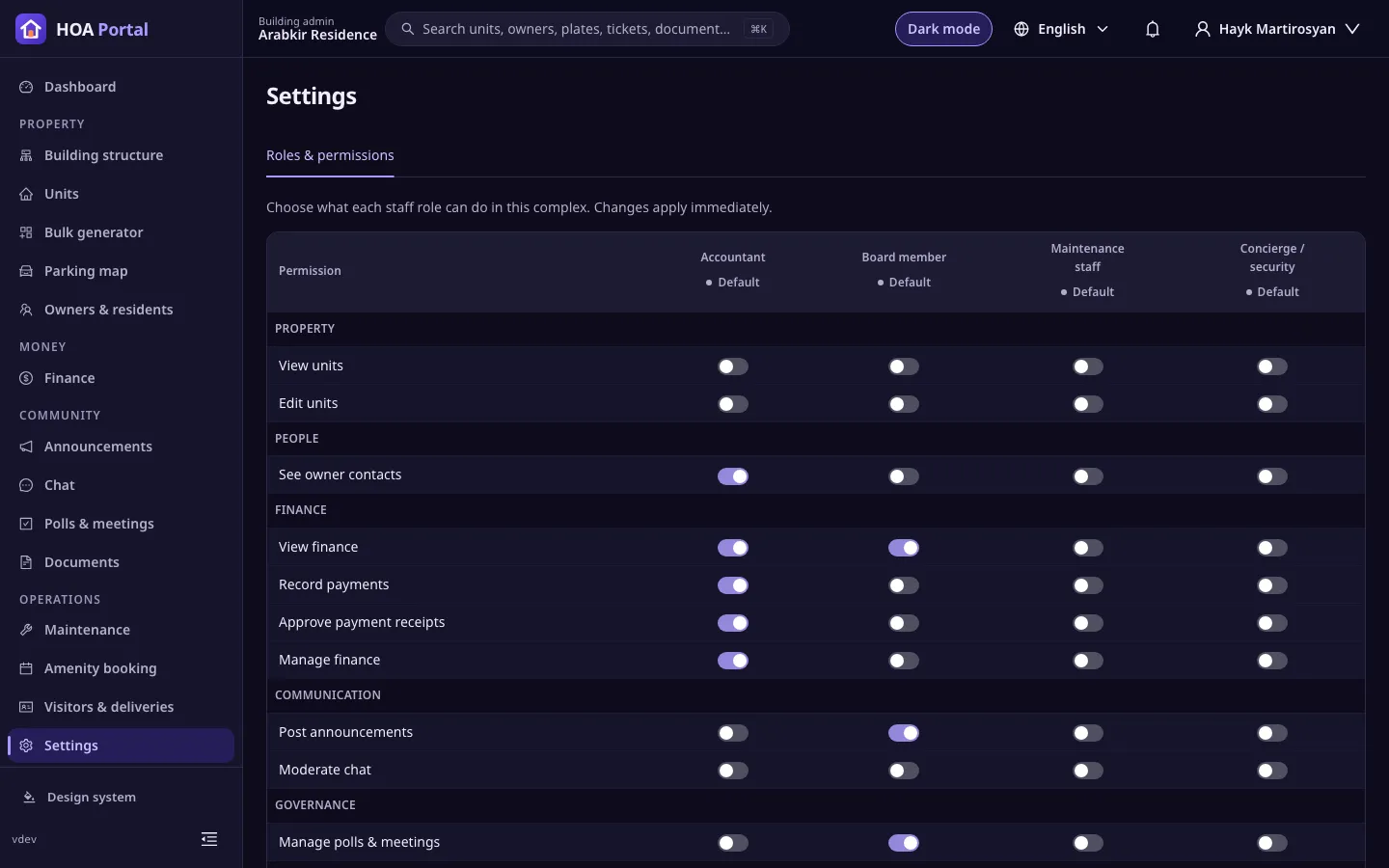
AvailableAdmins, accountants, board members, maintenance staff and concierges, each with a permission set you can widen or narrow per complex.
One person, many roles
AvailableA staff member can be an admin in one complex and an owner in another, and picks the role they are working in.
Nobody approves their own request
Coming soonWhatever roles someone holds, the system never lets them approve a request they made.
Stay accountable
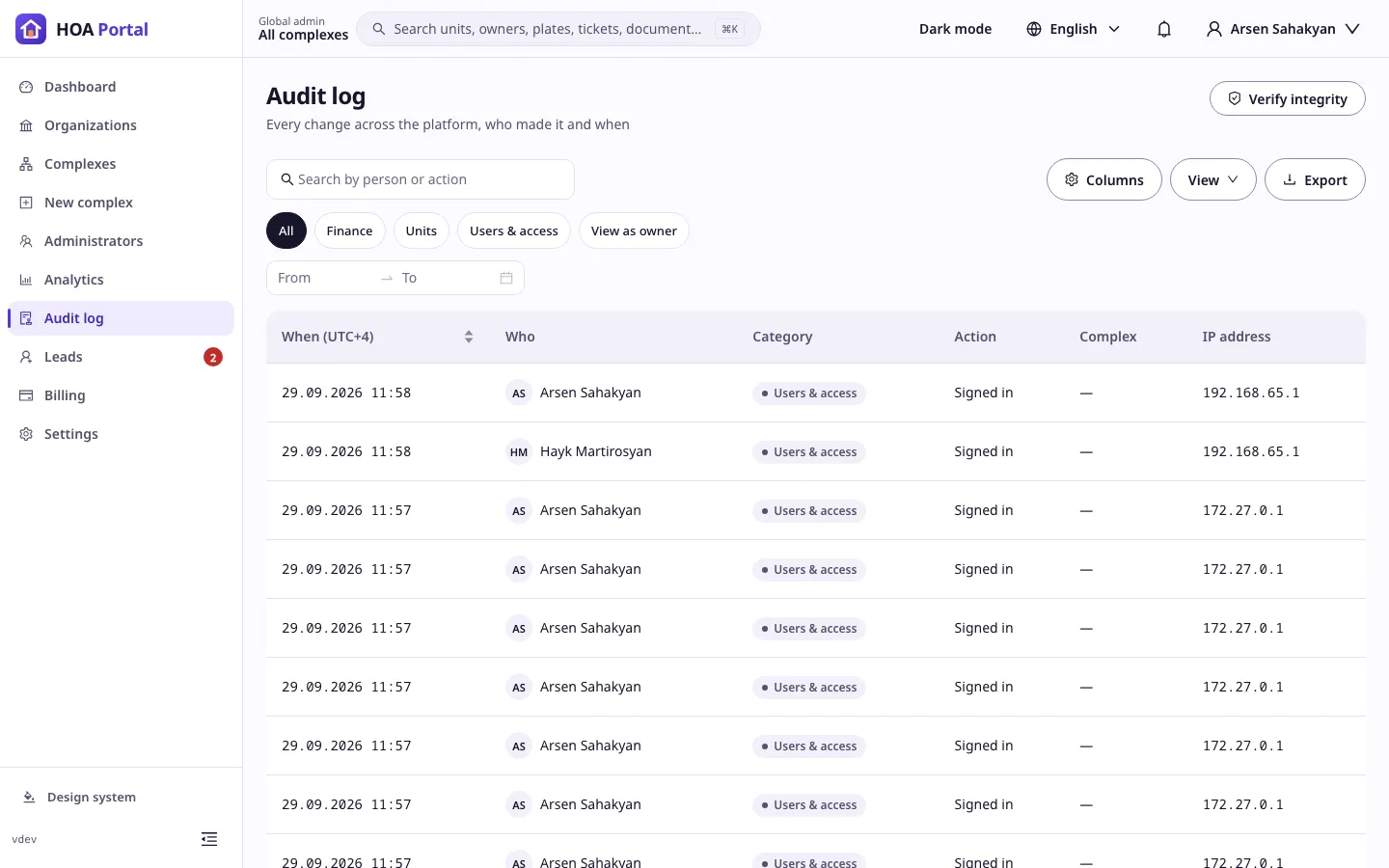
Audit log
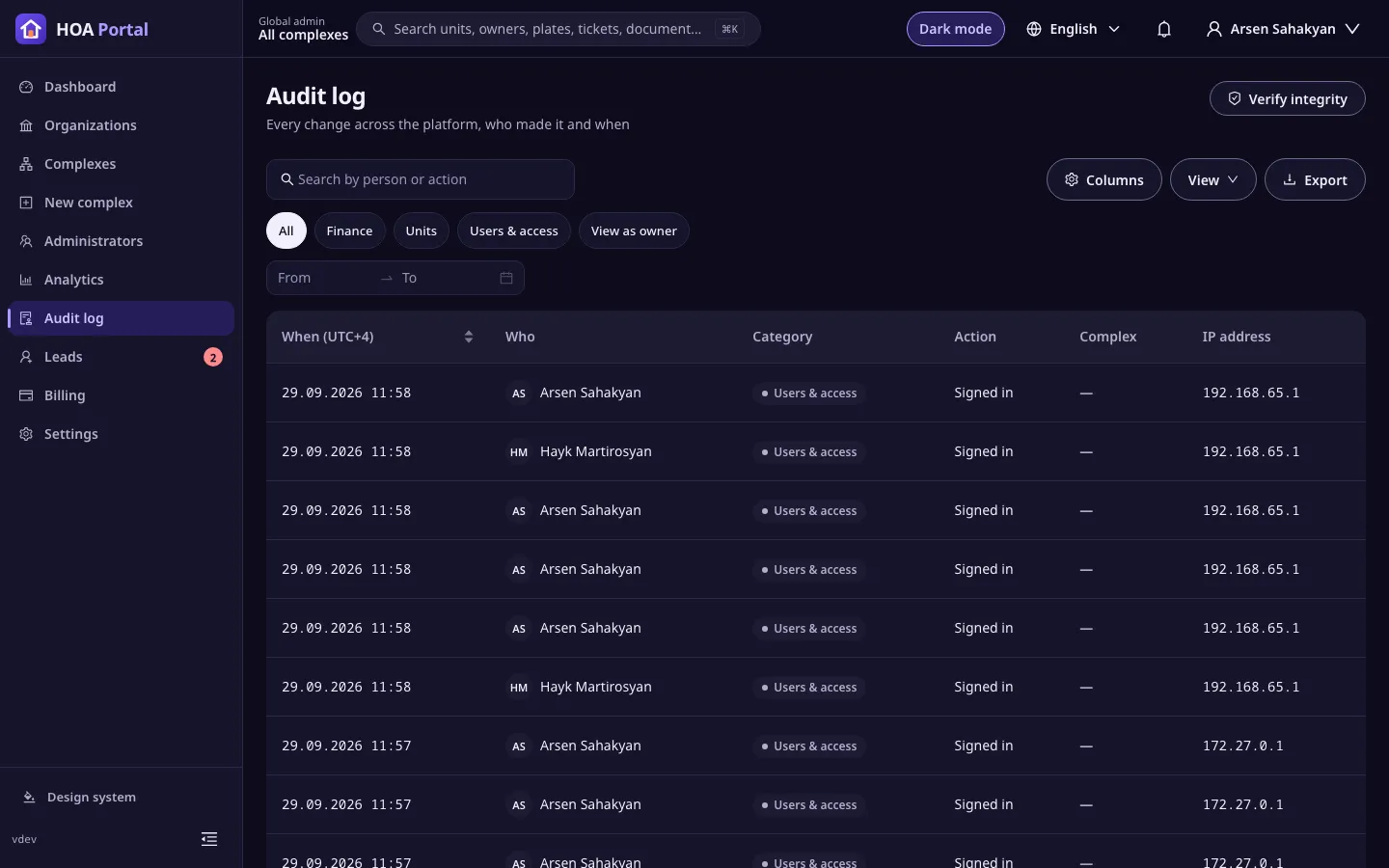
AvailableEvery security-relevant action is recorded in a hash-chained log that you can verify at any time.
Exports
AvailableTables export to Excel and PDF, and saved views remember your filters, sorting and columns.
Your brand, not ours
On the Enterprise plan, owners and residents see your management company, not ours.
Your look in the app
Coming soonYour logo, colours and font across the web and mobile apps.
Branded documents
Coming soonInvoices, statements and receipts carry your name, logo and legal details.
Messages in your name
Coming soonEmails and notifications go out under your company's name, and email replies reach your own address once you confirm it.
Your own domain
Coming soonOwners sign in at your address, such as portal.your-company.am.
In the app
Bring your first complex
Sign up to set up your organization, or look around the demo first.